

The Proactive Defense feature is available starting from Imunify360 3.4.0 Beta. To upgrade to Imunify360 3.4.0 Beta, run the command:
yum update imunify360-firewall --enablerepo=imunify360-testing
To install this new Imunify360 3.4.0 Beta, please follow the instructions in the documentation.
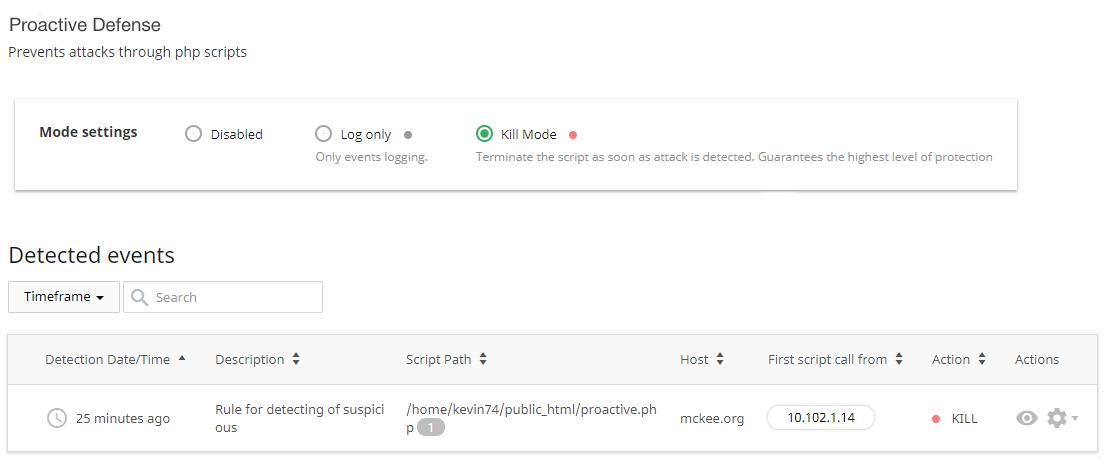
When you have Imunify360 3.4.0 Beta on your server, just go to Imunify360 UI → Proactive Defense.

To enable the feature, select the desired mode. The mode enabled in the admin UI will be the default for all hosting accounts added in the future. A user can disable Proactive Defense at any time. Any mode that is not disabled (for user’s hosting account) by an admin can be activated by a user.
If you still have questions or concerns, feel free to contact us by opening a support ticket or by using our live chat feature.
